

Paul Smith is a quintessentially British fashion brand and a top choice for those who love British style. Often described as the UK's answer to Ralph Lauren, it's less formal and more playful. What truly sets it apart is its rebellious streak—a gentleman with a mischievous side—which perfectly captures designer Paul Smith's signature British humor. The clothing and shoes are impeccably designed, made from high-quality fabrics, and incredibly comfortable, making them a firm favorite.
This guide explains how to shop on the Paul Smith UK official website, walking you through the process of ordering from the Paul Smith online store. If you're looking to place an order but aren't sure how, feel free to bookmark this Paul Smith UK shopping guide.
1. Paul Smith UK Online Shopping Tutorial
1. Open the Official Website
Paul Smith UK official website address: https://www.paulsmith.com/uk
2. Log In to Your Account
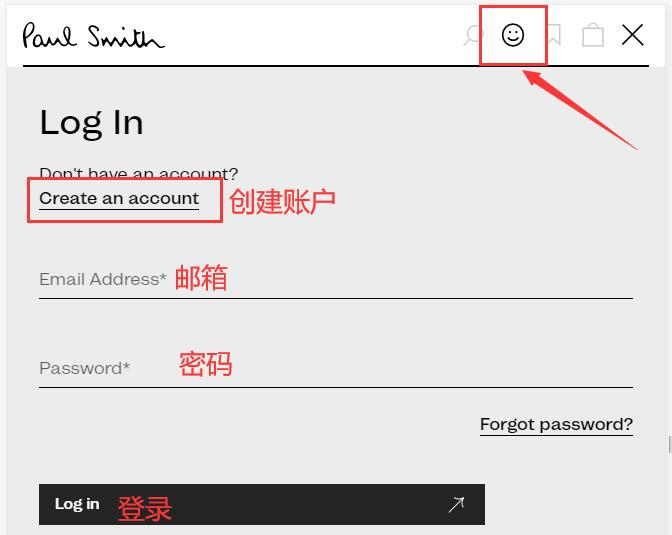
Click the account icon in the top right corner and log in using your email and password. New users can click "Create" to register.
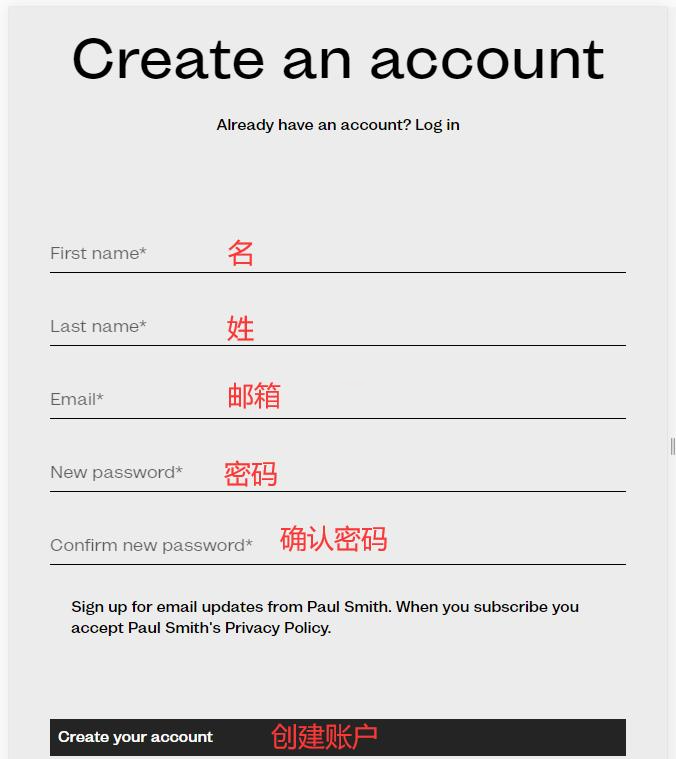
Fill in your personal details to create an account.
3. Browse and Add Items to Your Cart
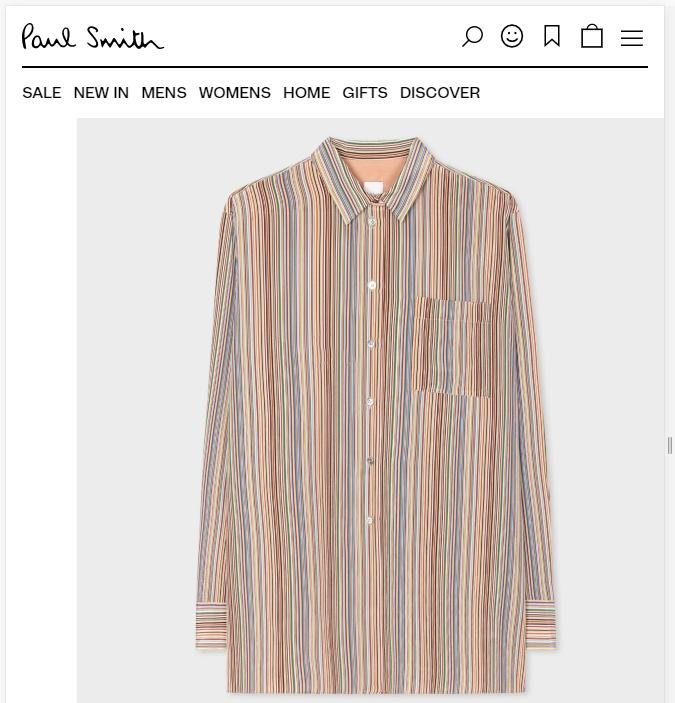
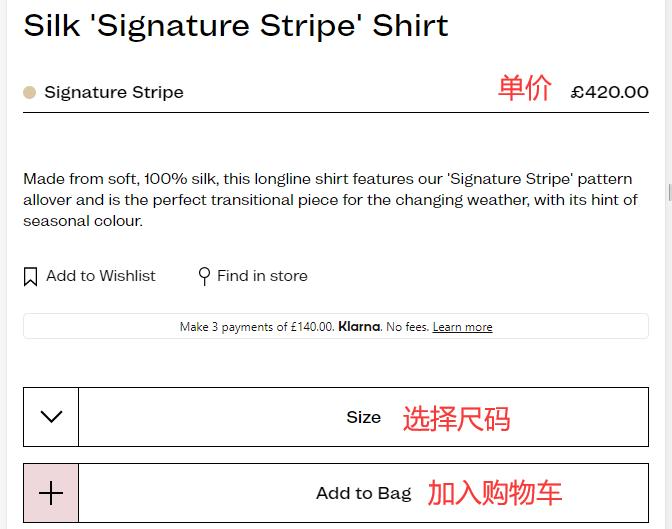
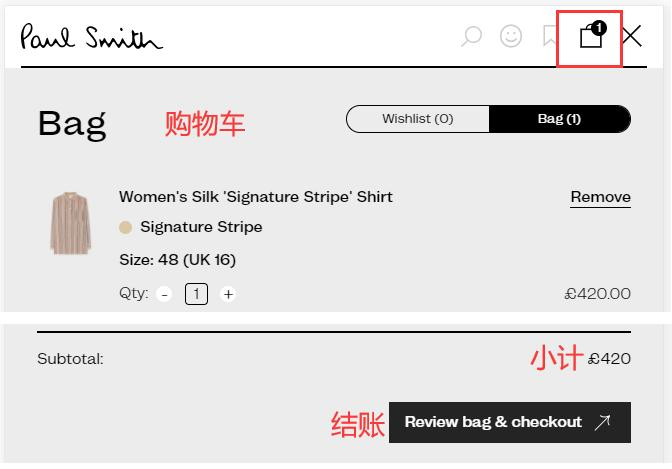
4. Open Your Cart and Proceed to Checkout
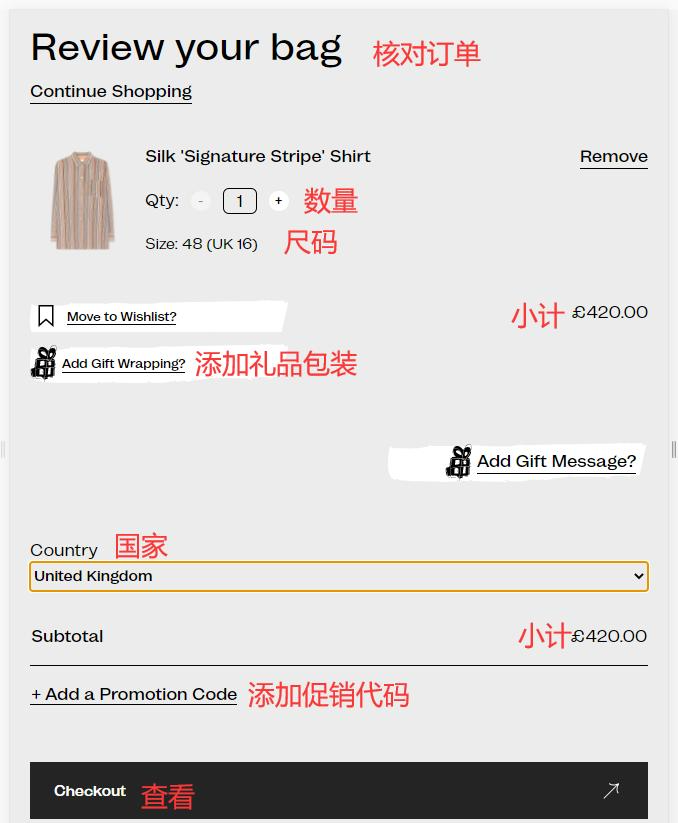
5. Review Your Order
If you have a promotional code, enter it here to receive your discount.
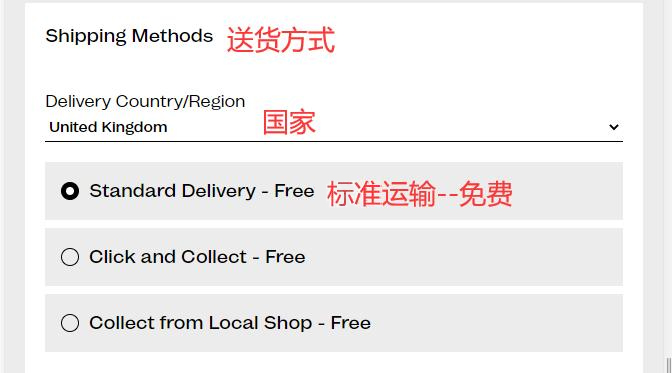
6. Select a Shipping Method
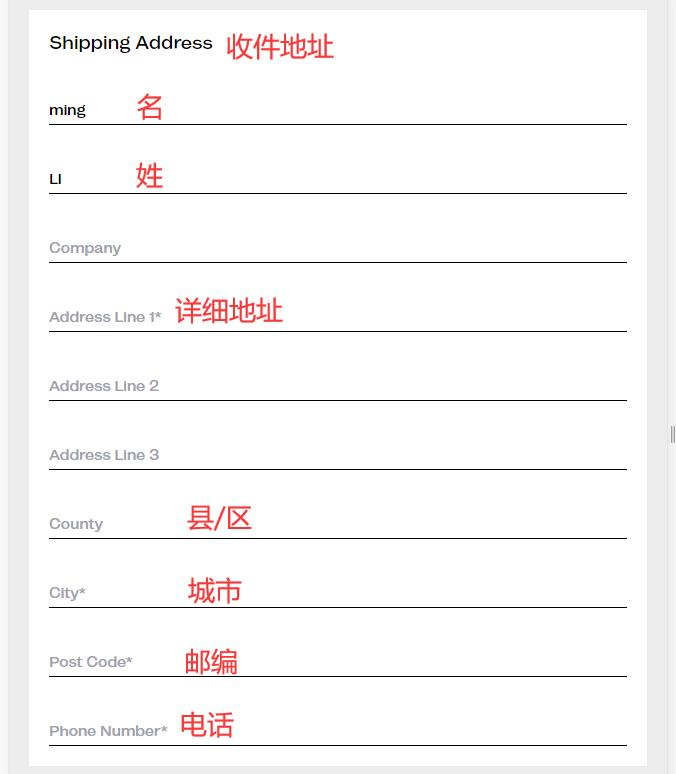
7. Enter Your Shipping Address
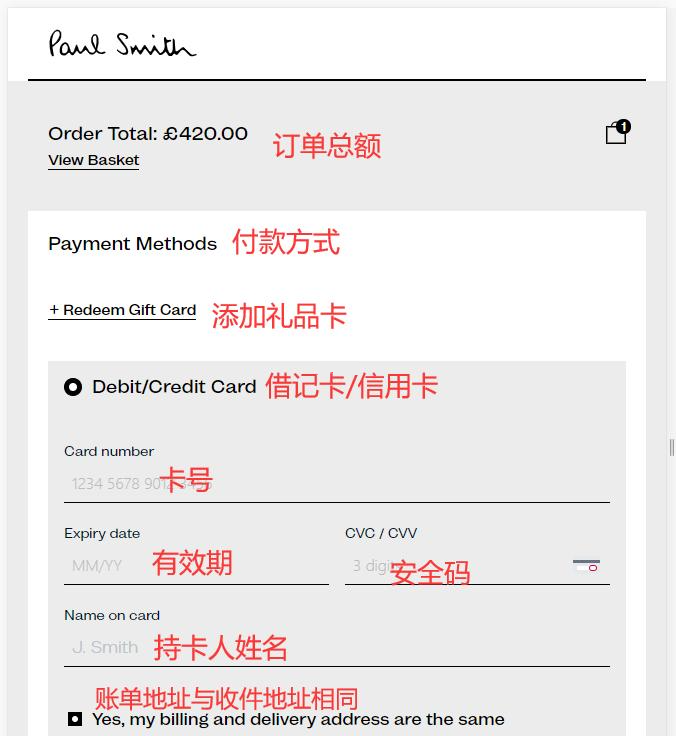
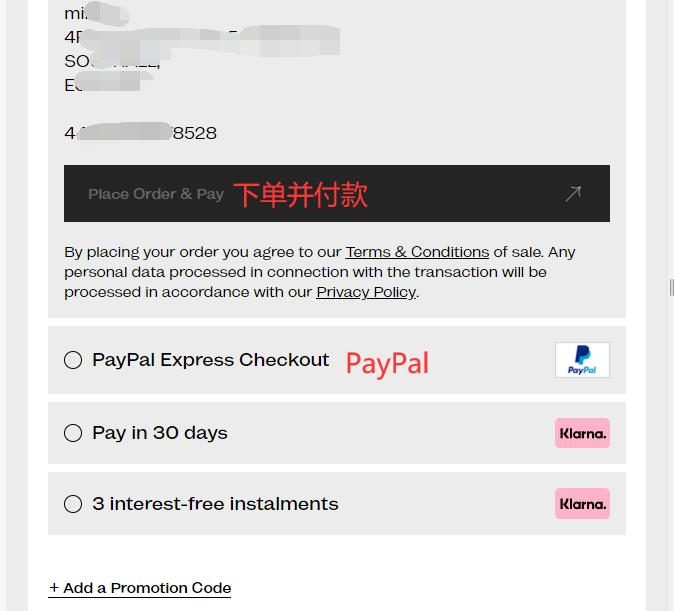
8. Choose a Payment Method
Using a credit card as an example, fill in the cardholder's name, card number, expiration date, and security code. Verify the billing address, then submit your order.
9. All that's left is to wait for your forwarding company to receive the package, prepare the shipping details, and receive your order!
2. Other Important Notes for Ordering on the Paul Smith UK Website
1. The official website does not support direct shipping to China. You will need to use a forwarding service. Shipping within the UK is free.
2. The website accepts Visa, Mastercard, American Express, and Discover credit cards, as well as PayPal.