

Final Score is a sub-brand under Eastbay, a well-known American sports retailer. It mainly offers products and gear for American sports such as baseball, soccer, and football. Final Score's mission is to provide low prices, a wide selection, and stylish designs. As a leading global supplier of sporting goods and apparel, Eastbay is the online sports store under Foot Locker, the largest sporting goods retailer in the United States. Therefore, Final Score is also currently an online sports store under Foot Locker, but it has not joined the Foot Locker FLX membership program.
Here is the latest 2020 Final Score overseas shopping guide for everyone. You can shop for sports gear at Final Score.
1. Register an account. Click "Sign In / Register" at the top right of the homepage. In the pop-up dialog, select "CREATE AN ACCOUNT" to create a new account, or log in using an account from another Foot Locker website.
Enter your first name, last name, email, password (6-10 characters, no special characters), and date of birth (month/day/year). Check the box to receive promotional emails if desired, then click "CREATE AN ACCOUNT" to continue:
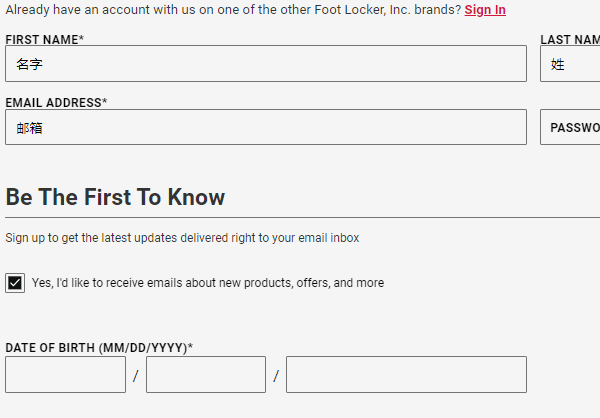
Final Score requires email verification. Make sure the registered email is active, and verify it through your email inbox.
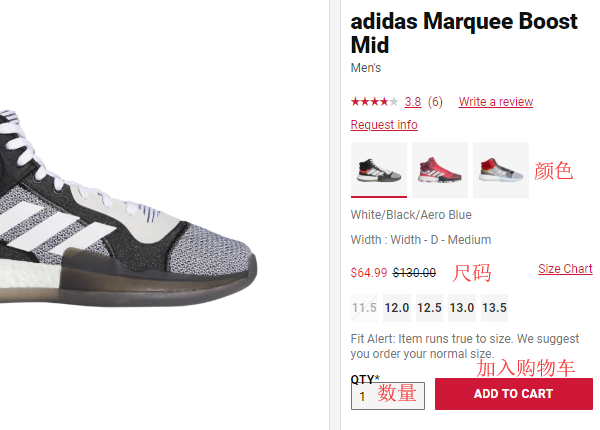
2. Registration complete, start shopping. Return to the homepage to browse products by category or search. Click on a product to enter its details page, select color, size, and quantity, then click "ADD TO CART".
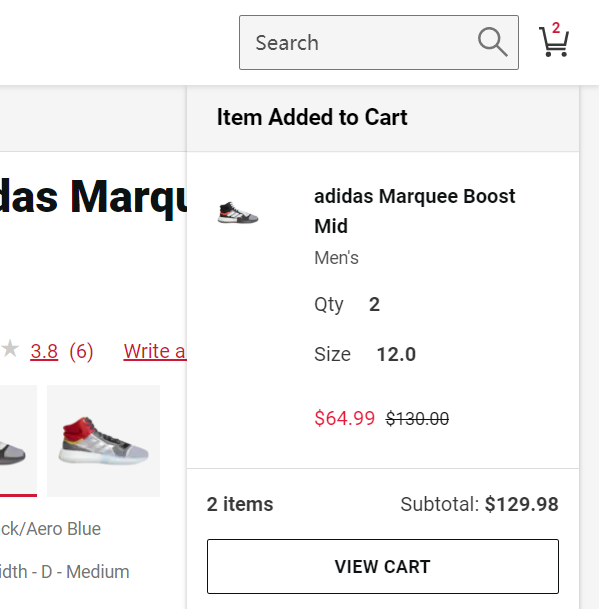
After adding to cart, a prompt will appear on the right side of the page. Once confirmed, click "VIEW CART" to view your cart and proceed to checkout:
3. On the cart page, you can see the order summary. If you have a promo code, click "Add Promo Code", enter the code, and click "Apply". Then click "CHECKOUT" to proceed.
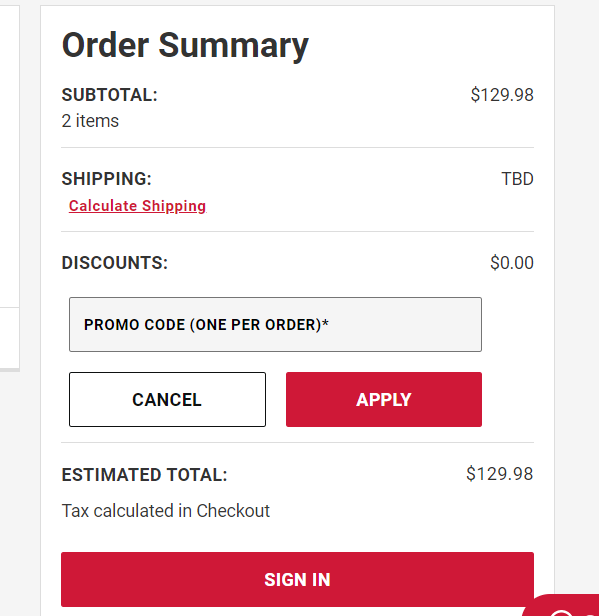
4. Checkout.
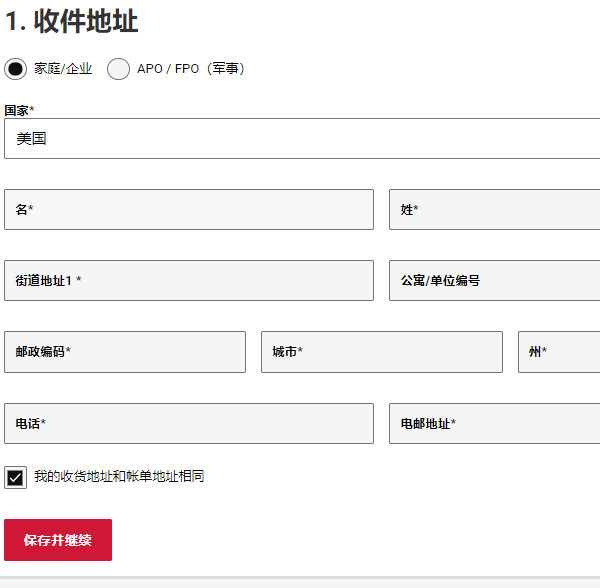
Step 1: Fill in the shipping address. Follow the translated prompts on the page to complete it, then click "SAVE & CONTINUE".
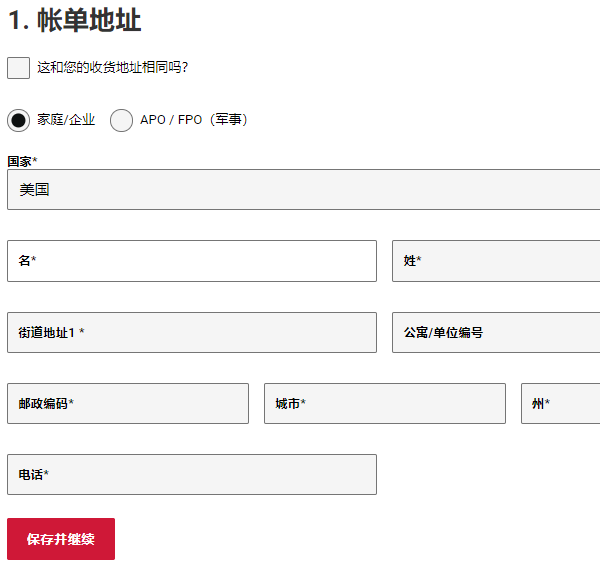
Step 2: Billing address. If you uncheck "My shipping address is the same as my billing address", you will need to enter a new billing address. Follow the translated prompts on the page to complete it.
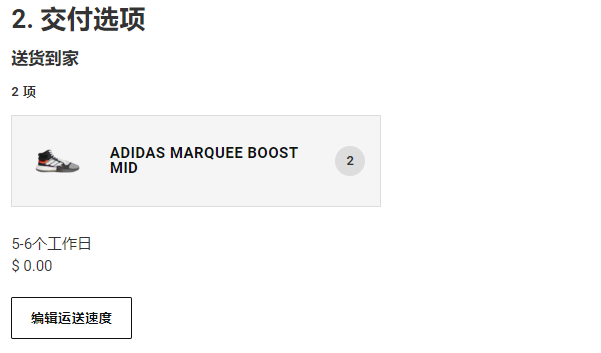
Step 3: Choose shipping information. Of course, select the free 5-6 business day option.
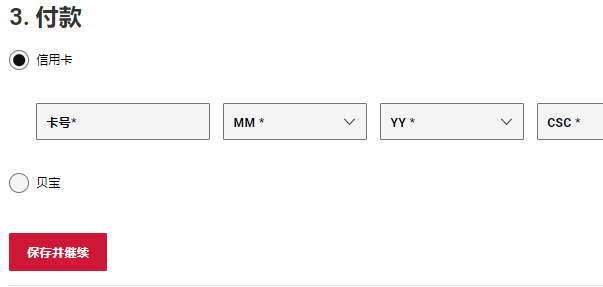
Step 4: Choose a payment method. You can pay by credit card or PayPal. Gift cards are also an option. Here, we choose credit card payment. Enter your credit card number, then fill in the expiration date and security code, and click next:
Step 5: Review the order information. Once everything is confirmed correct, click "Submit order" to complete the purchase. After successfully placing the order, you can check the order history in "My Account".
PS: Your first order may experience delays, such as taking a long time to ship. This could be due to credit card verification, items being out of stock, or even order cancellation.