
Amazon Japan is overseas shopping-friendly, and some self-operated items can even be shipped directly to China. It has always been a popular site for cross-border shopping. Previously, the editor often purchased daily necessities like diapers and sanitary pads from Amazon Japan. Starting last year, many friends have encountered issues with Amazon Japan not loading, and even searching for Amazon Japan couldn't find the official site. This article introduces the latest solutions for Amazon Japan not loading (applicable to desktop), allowing everyone to easily access the Amazon Japan official site again with simple steps.
Amazon Japan official website link: https://www.amazon.co.jp
1. Firefox + Plugin for Normal Access to Amazon Japan
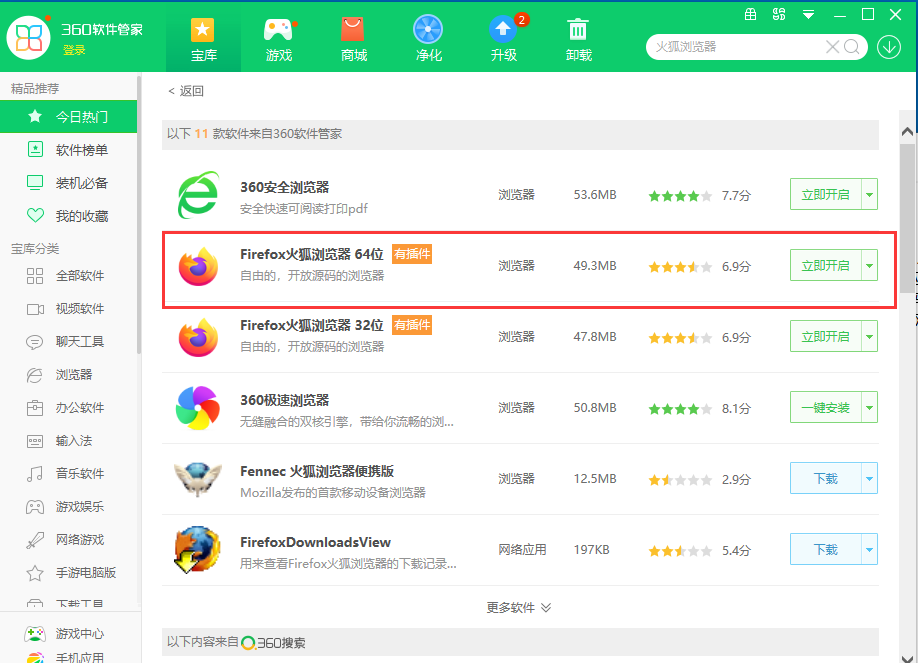
1. Download the latest version of Firefox browser and install it on your computer;
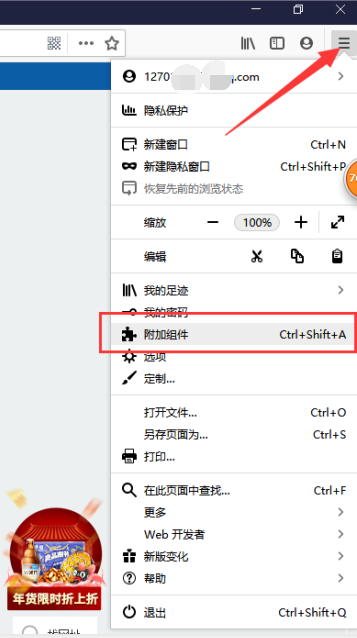
2. Open Firefox browser, click the dropdown menu in the top right corner, and select "Add-ons";
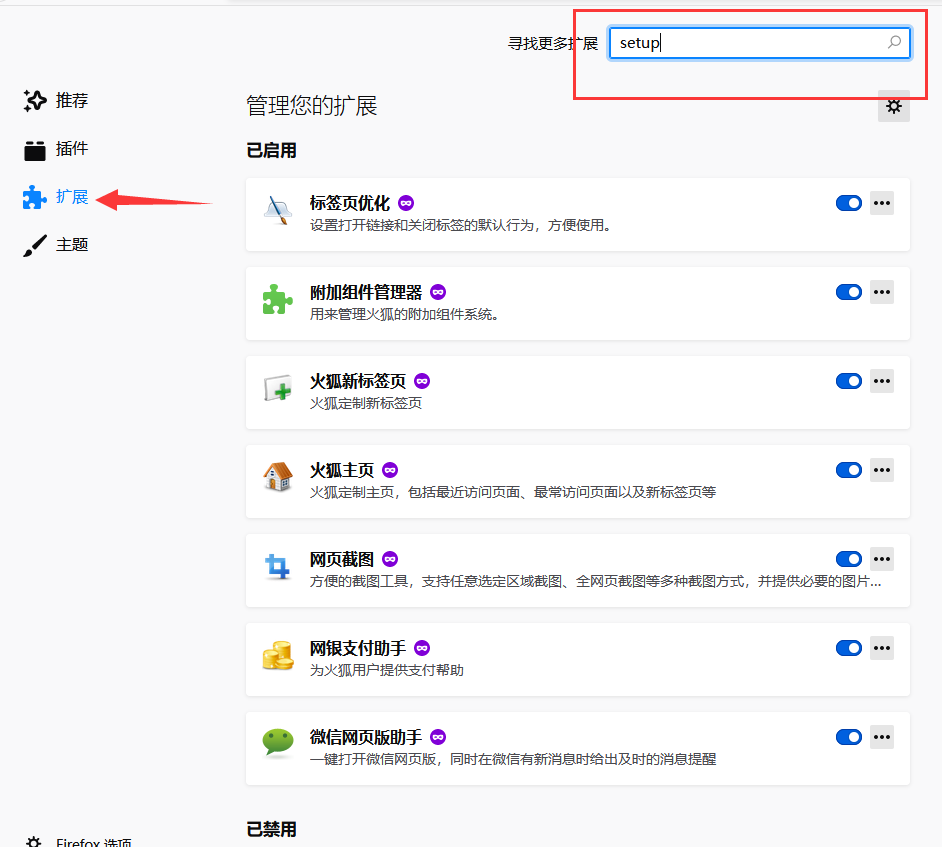
3. Select "Extensions", enter the text shown in the image in the "Find more extensions" box, and search (using this plugin as an example below)
Or search for the plugin shown in the image below (see the extended reading at the bottom of this article for usage steps)
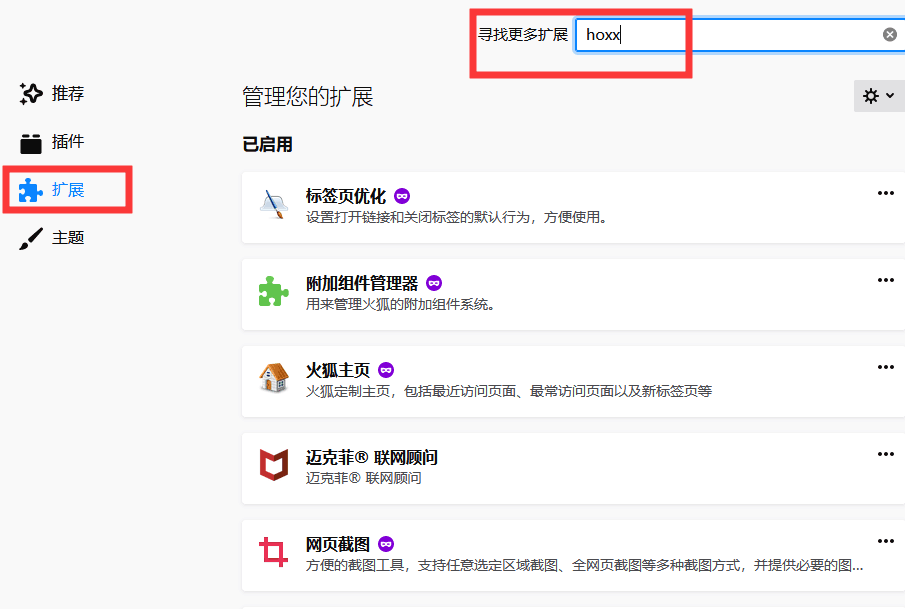
The search results will appear as shown below, select the first one
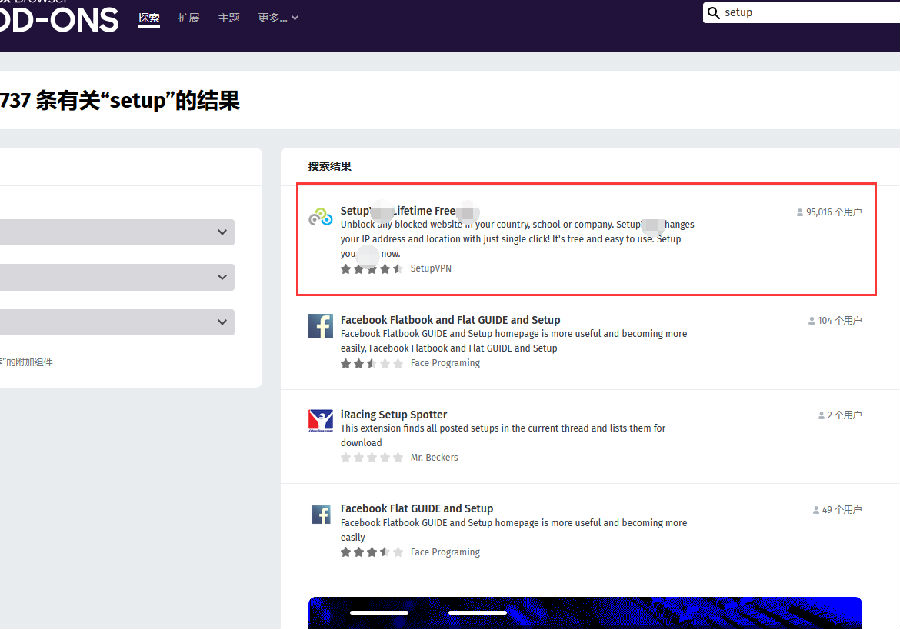
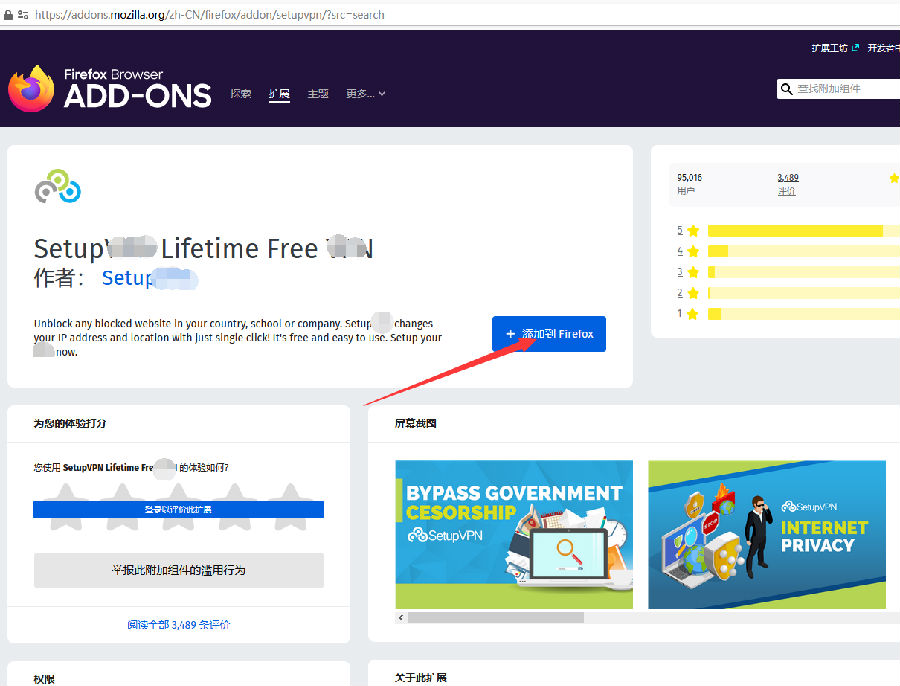
Click "Add to Firefox"
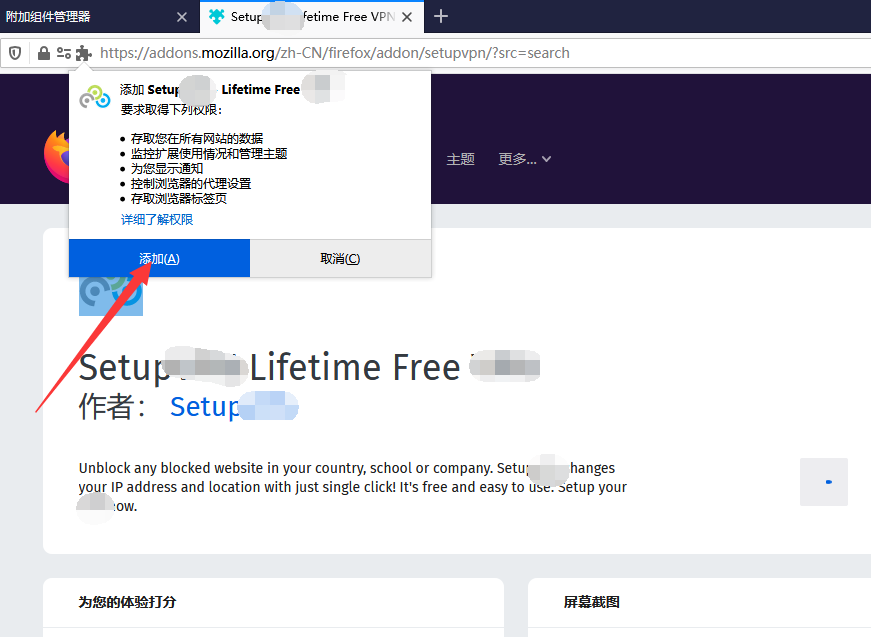
Select "Add"
The icon shown below will appear in the top right corner of Firefox;
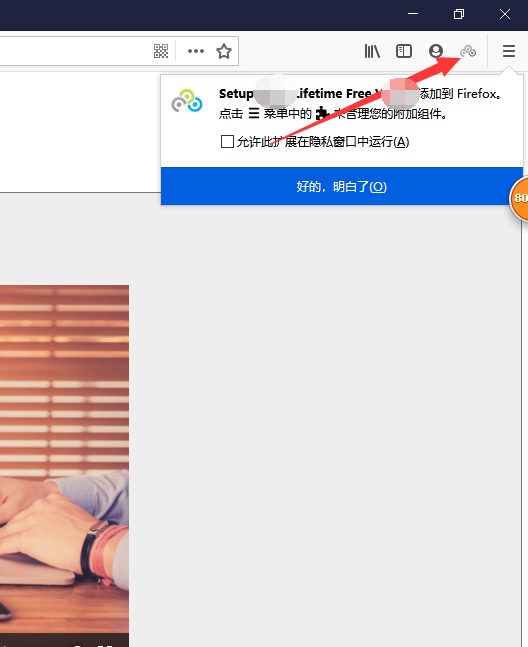
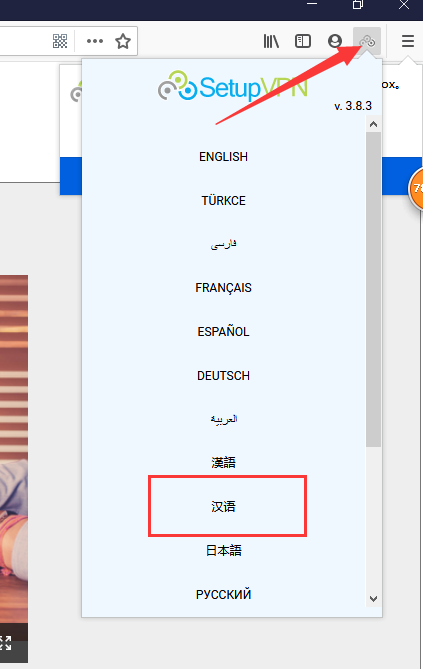
4. Click the plugin icon and select "Chinese"
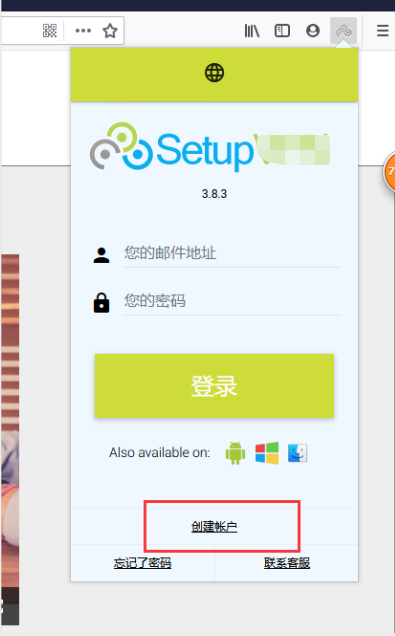
Next, select "Create Account"
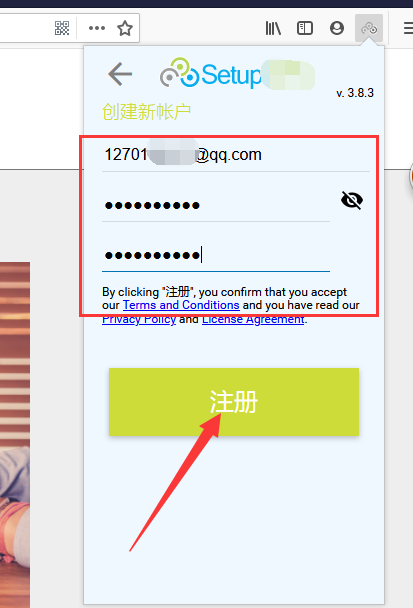
Enter the registration username and password, then click "Register"
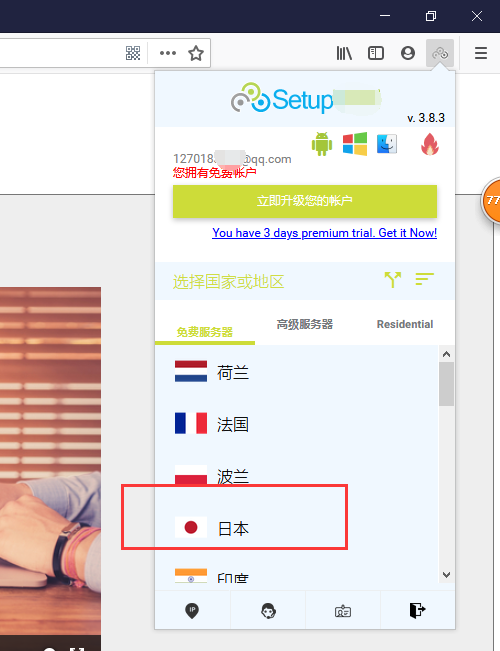
Click to select "Japan"
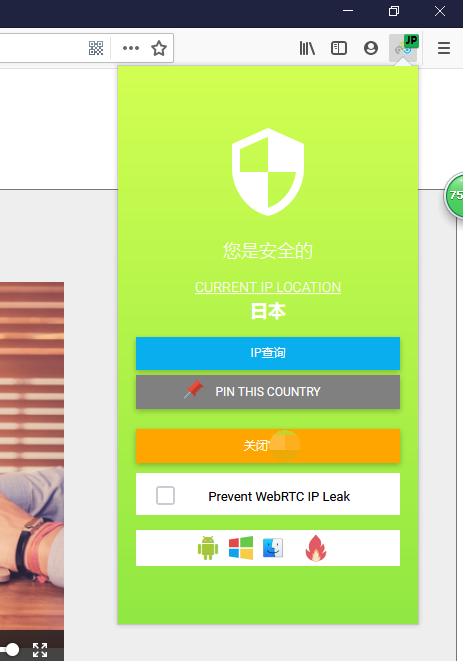
As shown below, the installation is successful, and you can easily access Amazon Japan;
5. Enter the Amazon Japan official website link in the address bar: https://www.amazon.co.jp, change the language to Simplified Chinese, and you can start shopping.
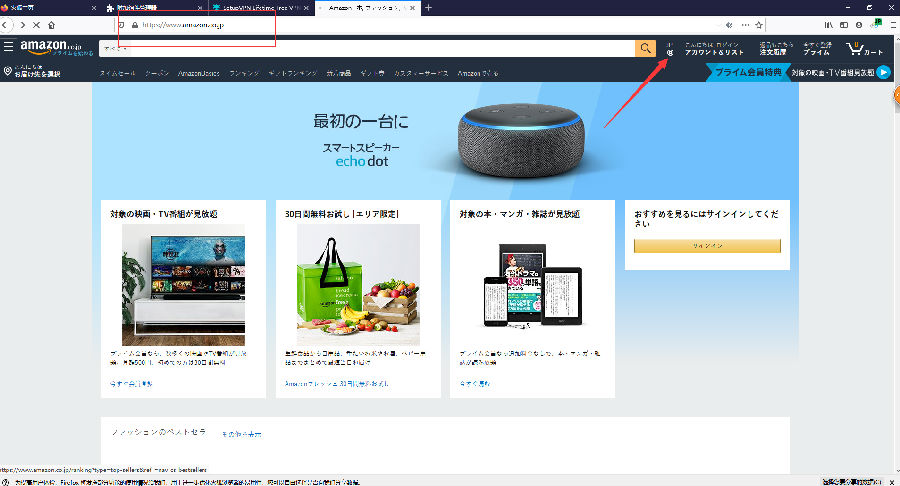
?Using the above method, you can easily solve the issue of Amazon Japan not loading. With this method, Rakuten Japan can also be accessed successfully.
In step four, you can see many countries to choose from. That's right, using the Firefox browser + plugin method not only solves the problem of Amazon Japan not loading but also allows successful access to Sephora US official site, Nordstrom, Macy's, and other overseas shopping sites that require an external network environment. You can try it yourself!
2. Regarding User Feedback on Firefox + Plugin Not Working for Amazon Japan
Some users have reported that the method of using Firefox browser with a plugin can no longer open Amazon Japan normally. The editor can still access Amazon Japan normally using their own registered account. The reason this method might not work could be that the plugin has a free trial period, and once the trial period expires, it cannot be used.
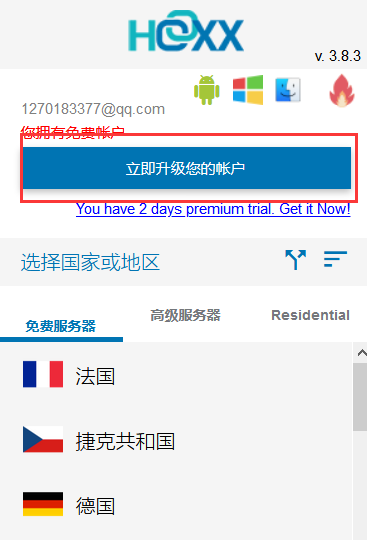
Users who cannot access Amazon Japan normally with this method can choose to upgrade their account, as shown in the image below, then follow the process to pay and continue using. For detailed purchase steps, please refer to the first item in the extended reading at the end of the article. The setup plugin operates the same way as the hoxx plugin. Whether to pay is up to you.
3. Latest Update: Using Microsoft Edge Browser + iGG Plugin (Users report this method no longer works)
Today, a user provided another new free method to access Amazon Japan, Nordstrom, Macy's, Belk, Sephora US, and other sites. Here it is shared with everyone:
1. Download and install Microsoft Edge browser on your computer. Download link: https://www.microsoft.com/en-us/edge;
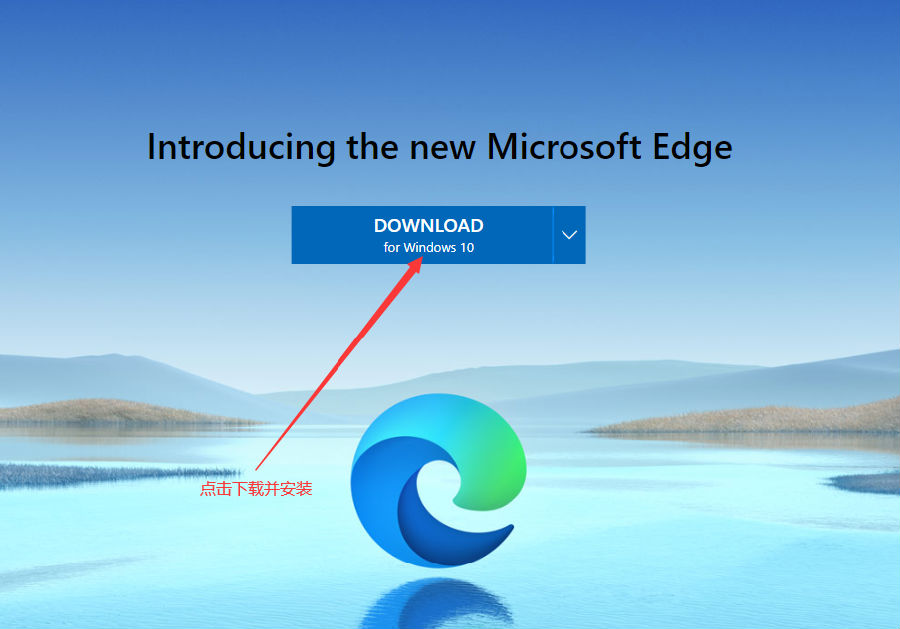
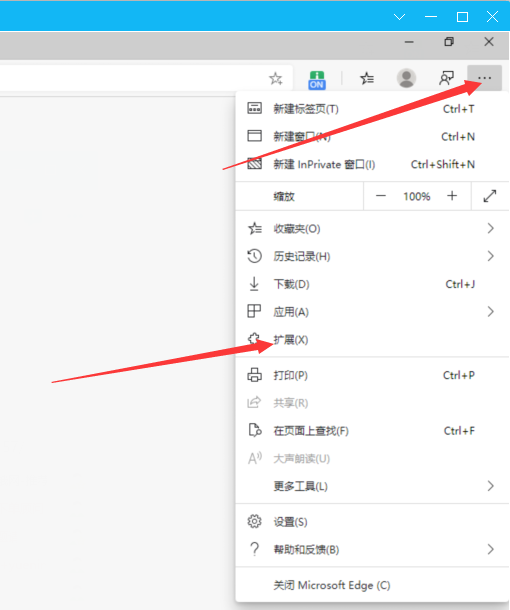
2. Open Microsoft Edge browser, click the three-dot menu in the top right corner, then click "Extensions" as shown below;
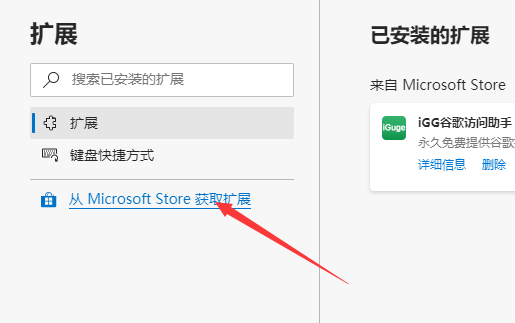
3. Click "Get extensions from Microsoft Store";
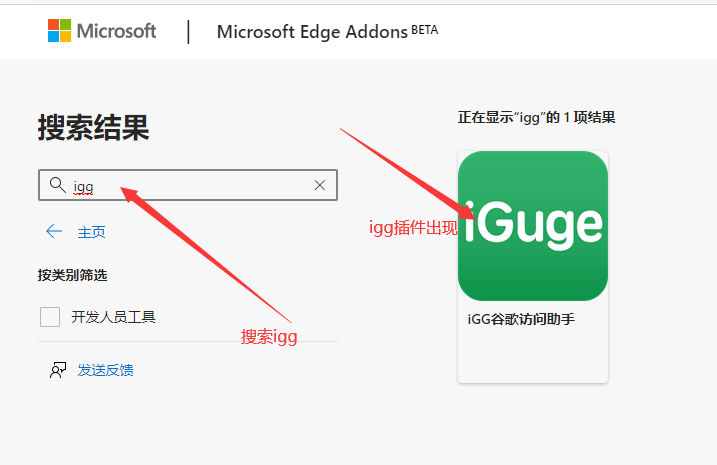
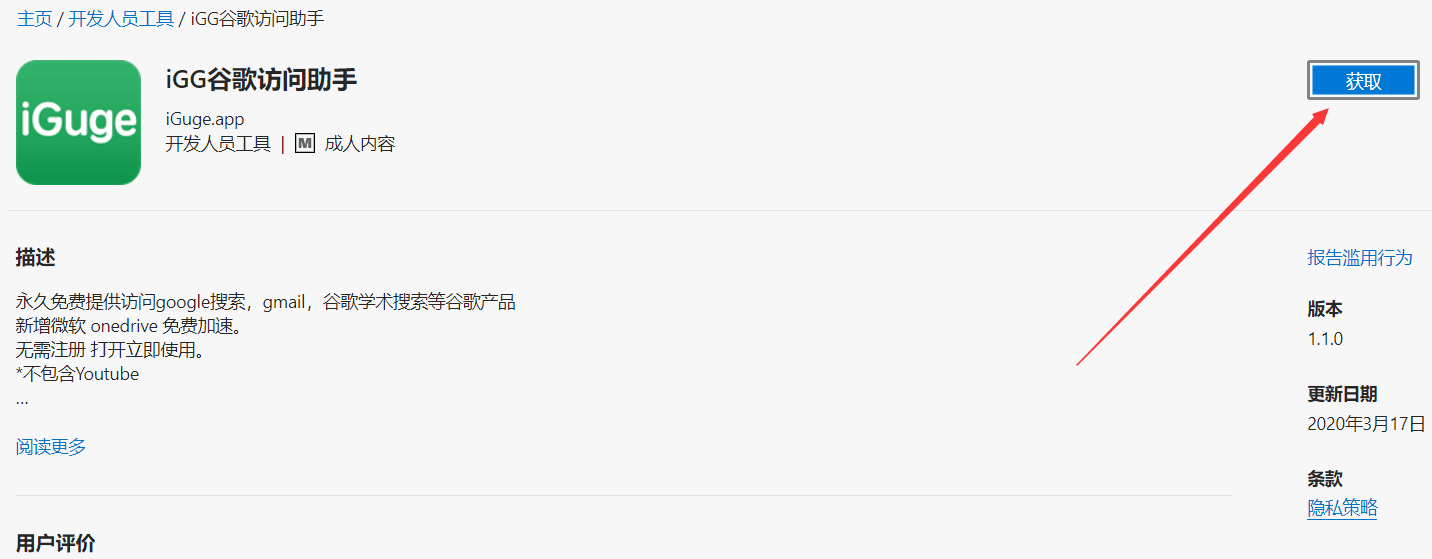
4. Search for "igg", and the iGG plugin will appear;
5. Click "Get" and add the extension;
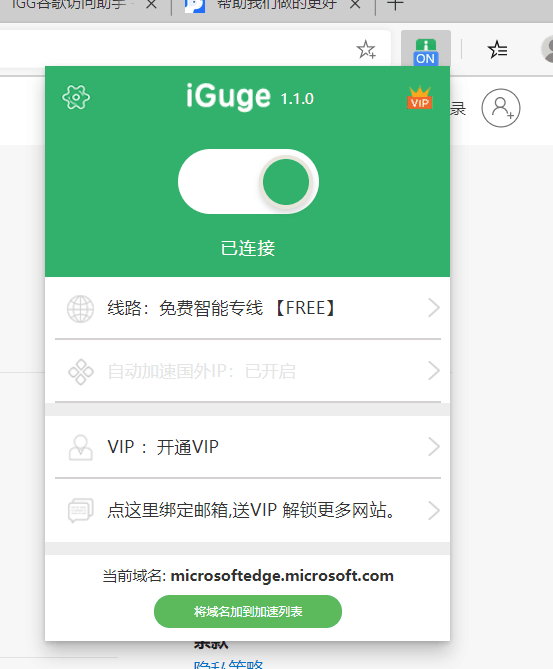
6. Wait a moment, and the installed iGG plugin will be displayed in the Microsoft Edge browser, as shown below;
7. Bind your email, and you can use it for free! Successfully access Nordstrom, Macy's, Sephora US, Amazon Japan, and other sites with no problem!
Finally, a reminder: Various VPN tools and plugins carry the risk of information leakage. After completing payment, you can unbind your credit card and avoid leaving payment information. If this method works, remember to share it with friends who need it!